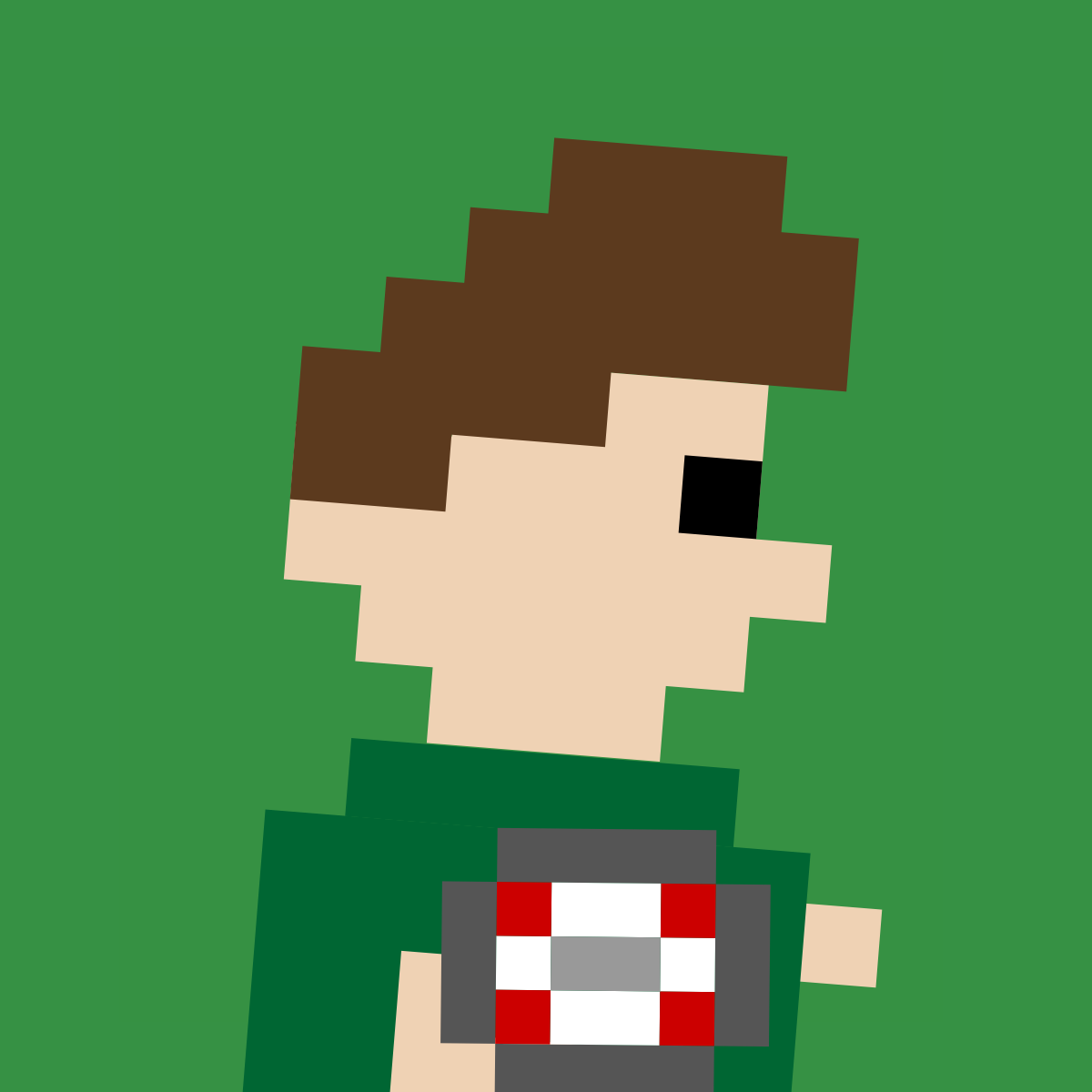
The framing the shipped icon uses: the whole figure scaled down and
anchored so it runs off the bottom edge, which is what leaves the
head and the ball filling a square. Zoom is the
figure's width as a share of the tile; crop is how
far down the figure the bottom edge cuts. The defaults reproduce
assets/apple-touch-icon.png.
Crop is solved, not set: it defaults to the bottom of the ball, so the ball and the arm sit flush on the bottom edge the way the real icon does, and it re-solves when the figure's height changes — a different hair style, the flat cut, no ball. Drag it for a manual per cent.
Centring is on what you can see, not on the figure's bounding box. That box is stretched left by the striding legs and right by the extrusion, and the crop throws the legs away — so centring the box leaves the head and the ball about a tenth of the tile right of centre. The shipped icon's own offset was hand-compensating for the same thing.
The mascot's legs are the game sprite's stride, cell for cell, so it can run the same four-frame cycle. The spin turns about the vertical axis, two ways. Coin is the logo as a panel two cells thick with the figure printed through it: a quarter of the way round you are looking at its edge, and past that at the back of the slab, where the layers stack the other way and the ball is behind the body. Character turns the mascot himself — the logo is a profile with no width across the body anywhere in it, so every part is given the extent it leaves out, and a quarter of the way round he is facing you, two eyes and shoulders.
The same combination through the generator scripts, which write into
assets/ and are what the shipped artwork is built with:
 Pixel Rugby